Accessibility-first web development

Building the Web for Everyone.

I’m Olamide Fasida, a Web Developer and Digital Accessibility Specialist who builds digital experiences that work for every user, on every device, in every context.

I believe meaningful technology starts with access, clarity, and care from the very first decision.

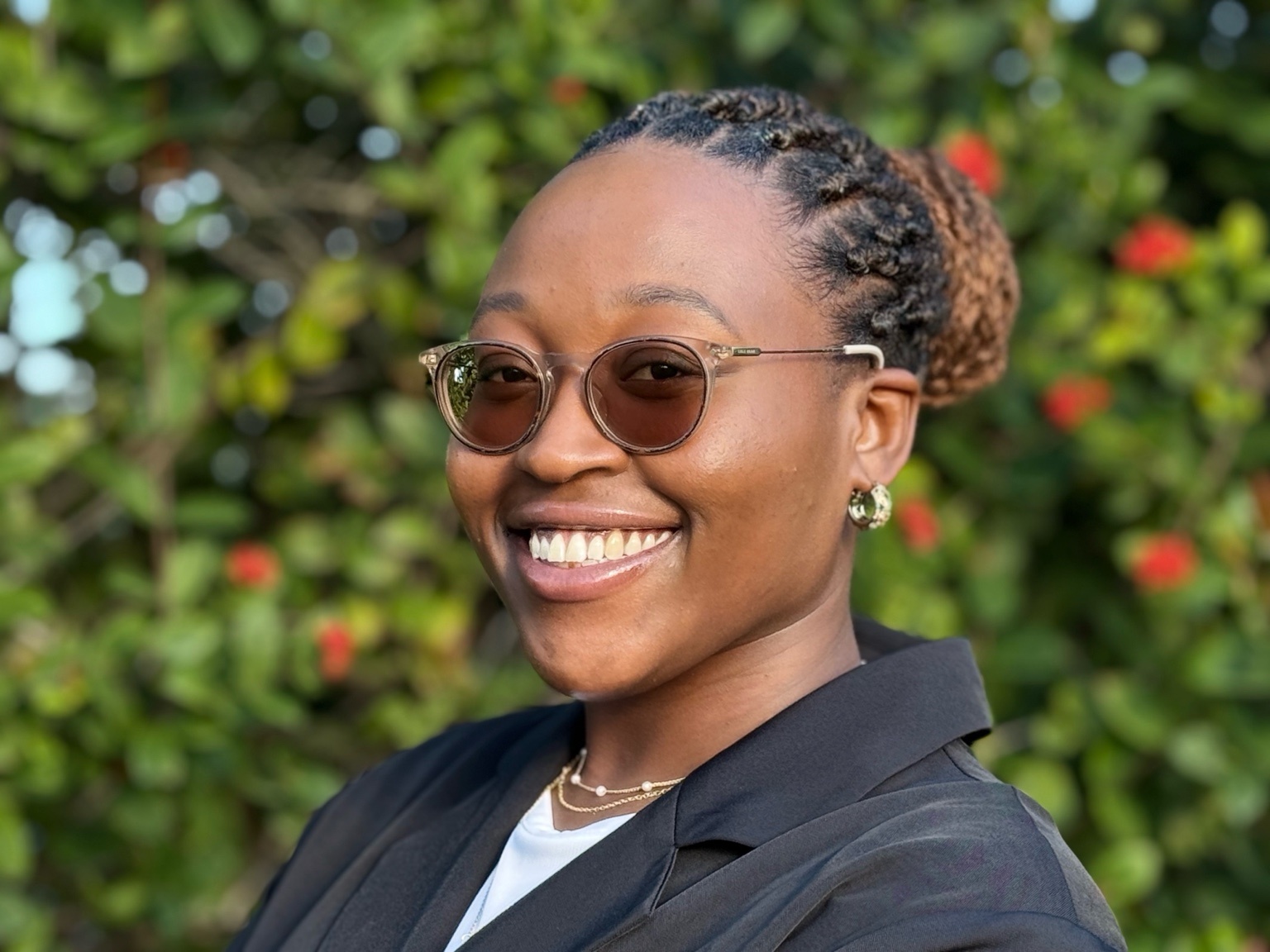
Headshot of Olamide Fasida
Software engineer building accessible digital experiences.

Featured Work

Projects built with purpose.

Every project reflects the same commitment: accessible by default, reliable for real users, and clear enough for people to act on.

Professional Work Without Code

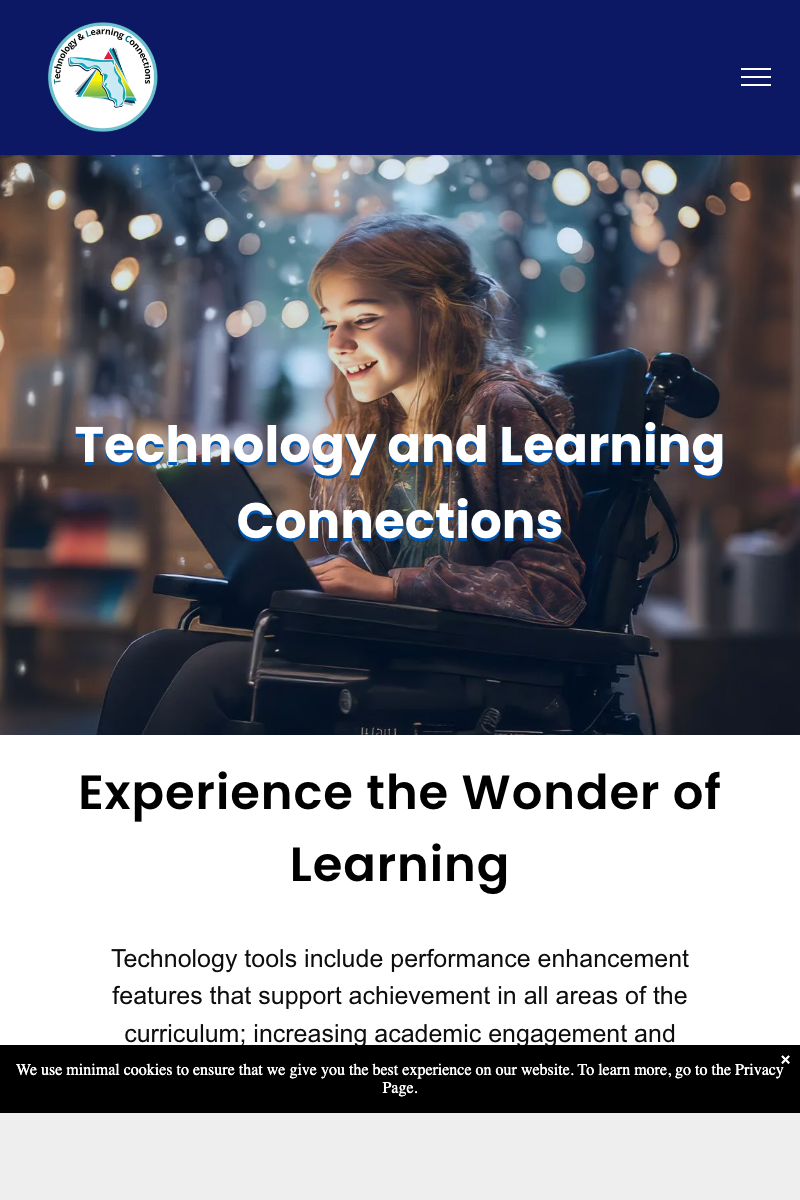
Technology and Learning Connections

Supports statewide education initiatives through a public platform that stays reliable, accessible, and current for the educators who depend on it.

  • Ongoing maintenance, updates, and content reliability improvements
  • Accessibility checks and remediation for consistent quality
  • Supports multiple statewide education initiatives
Professional Work Caspio

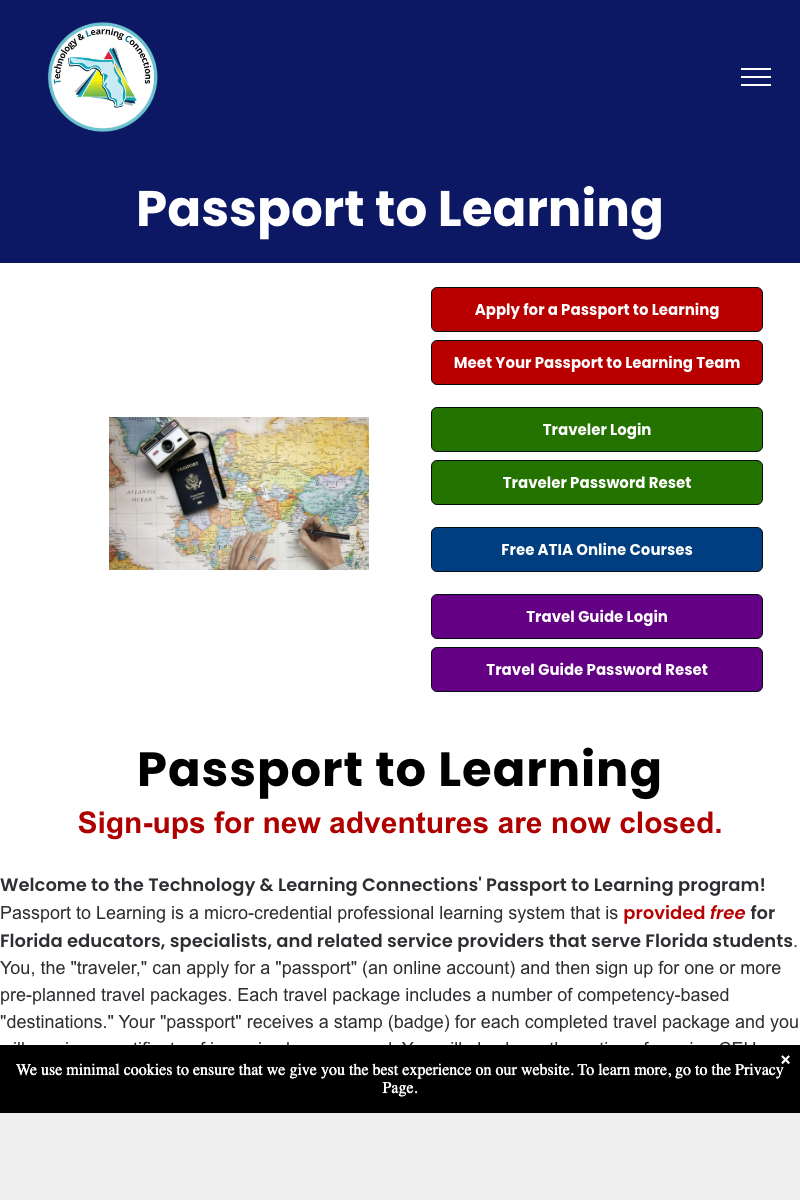
Passport to Learning

Built a database-backed program system that supports data collection, authenticated workflows, and reporting for a statewide education initiative.

  • Database-driven workflows built with Caspio
  • Authenticated system with role-based access controls
  • Supports program tracking and reporting at scale
Thought Leadership LinkedIn

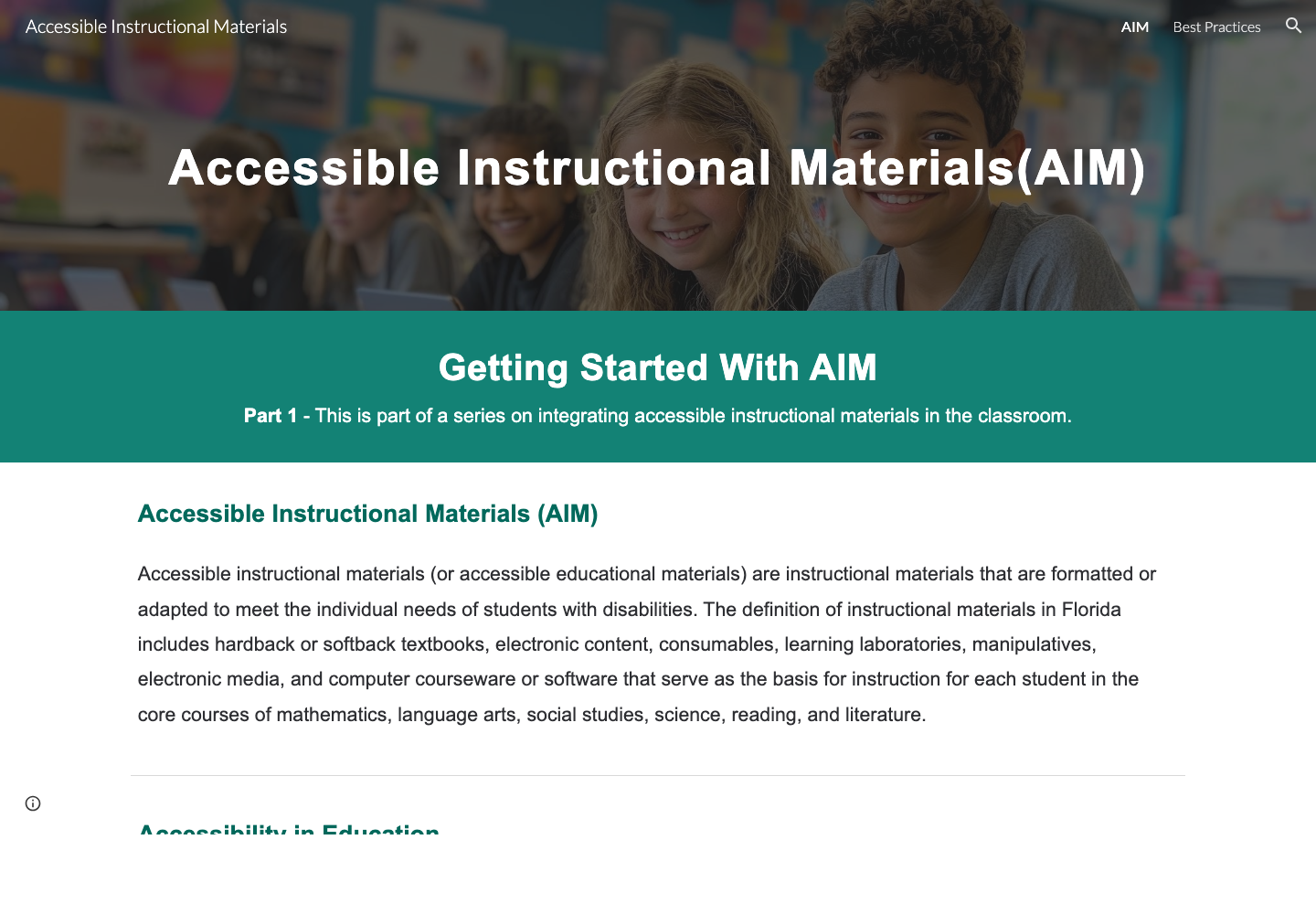
Accessibility Awareness Campaign

Created practical accessibility education that helps teams understand common barriers and take immediate steps toward more usable digital experiences.

  • Weekly tips focused on practical fixes (forms, contrast, headings, keyboard)
  • Free tools to help teams take immediate action
  • Built to support awareness and real implementation, not just theory

How I Work

Accessibility is not a checklist. It is how I build.

My approach focuses on long-term usability, compliance, and scale. Accessibility is not something I add at the end; it shapes the structure, content, and interaction decisions from the start.

Accessibility as a foundation

I build with accessibility in mind from the first decision, so inclusive experiences are part of the structure instead of a late-stage fix.

  • Semantic HTML and clear information structure
  • Keyboard first interaction patterns
  • Readable typography and color contrast safe choices
  • Accessible forms, errors, and focus management

Built for scale and reliability

I support and modernize platforms used by real people at scale, with an emphasis on stable systems and clear shared patterns.

  • Alignment with WCAG, ADA, and Section 508 standards
  • Maintaining and improving existing systems
  • Clear documentation and shared patterns
  • Collaboration with stakeholders and technical teams

Looking ahead with AI and automation

I use automation as an early signal while keeping human judgment at the center of accessibility testing and decision-making.

  • Automated scans as early signals (paired with manual verification)
  • Analytics-driven usability improvements
  • Reducing manual overhead while improving coverage

Expertise

Skills and tools

A practical mix of front-end development, accessibility testing, platform work, and reporting tools for building clearer digital experiences.

WCAG 2.1 and 2.2 compliance
ADA and Section 508 standards
A11y auditing and remediation
Full Stack HTML, CSS, JS, and platforms

Build

Front-End Development

  • HTML5, CSS3, JavaScript
  • Responsive and mobile-first design
  • Component-based layouts
  • Cross-browser compatibility
  • Performance optimization
  • UI and UX fundamentals
  • Content-driven development
  • Semantic document structure

A11y

Digital Accessibility

  • WCAG 2.1 and 2.2 compliance
  • ADA and Section 508 standards
  • Keyboard navigation and focus management
  • Accessible forms and error handling
  • Screen reader testing (NVDA, VoiceOver)
  • Color contrast analysis
  • Accessibility auditing and remediation
  • Platform-aware accessibility for no-code and low-code environments

Measure

Data and Analytics

  • Google Analytics 4 and Tag Manager
  • User journey and engagement analysis
  • YouTube analytics for content performance
  • Data reporting and visualization
  • Excel for stakeholder reporting and insights

Tools

Platforms and Tools

  • WordPress, Webflow, HubSpot
  • Without Code
  • Camtasia for video production
  • Version control with Git
  • Accessibility testing tools (axe, WAVE)

Get in Touch

If accessibility matters to your team, let’s talk.

I’m currently open to roles and collaborations in digital accessibility, front-end development, and AI-driven web technologies.